Workspace and workflow
It wouldn’t be Blaugust without a bit of blogging about blogging, so let’s do a little tour of my setup. I appreciate this may not be to everyone’s taste.
Physical stuff
Desk
My desk looks like this:
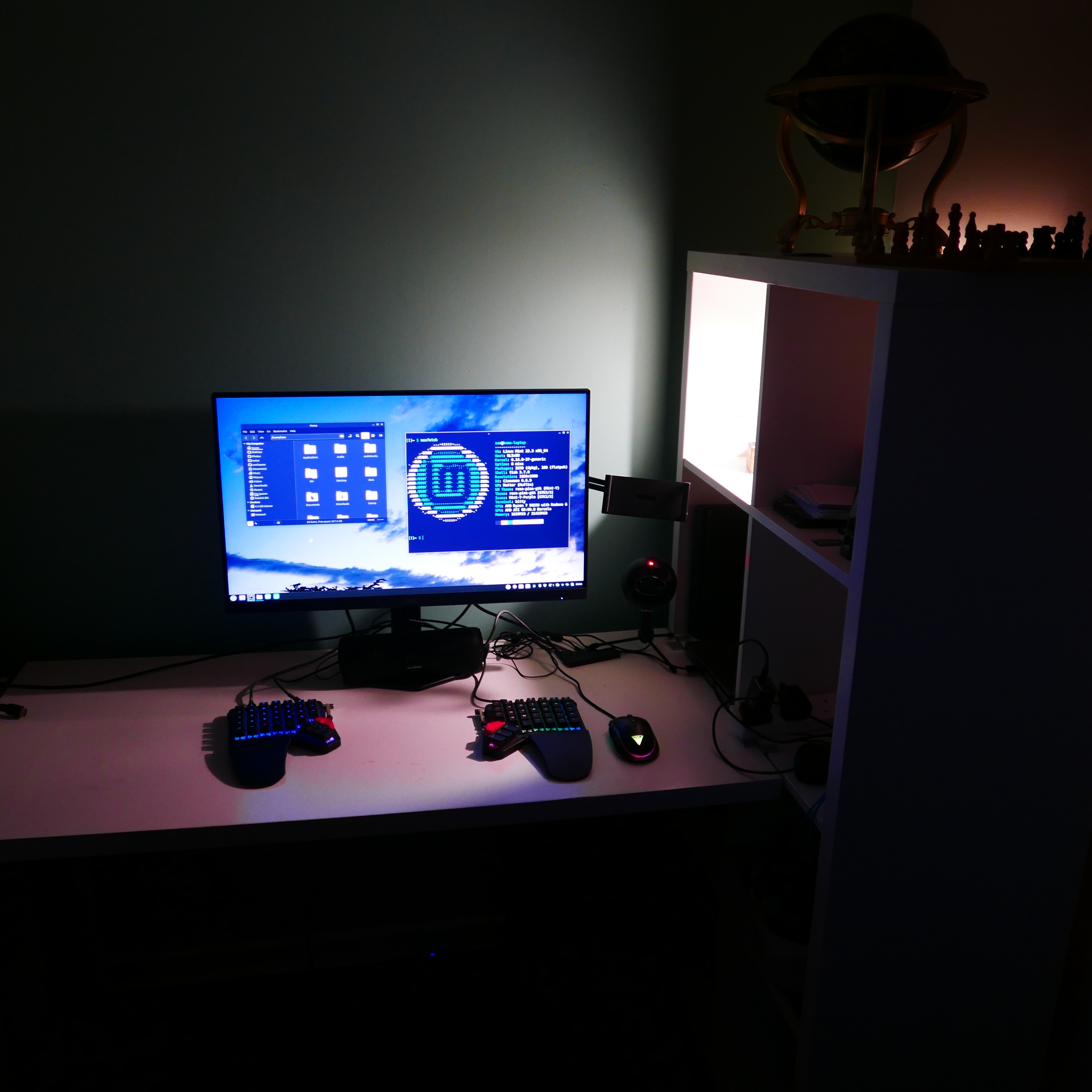
The “interesting” parts are the ZSA Moonlander keyboard; the speaker, just an Anker Soundcore bluetooth speaker with aux in, don’t need anything fancier; the Snowball ICE USB microphone for calls; and that little holder coming off my monitor is to use my phone as a webcam.
I don’t actually have a desktop PC. It’s an old laptop with stuff plugged into it (actually, it’s not that old, it’s just very disappointing build quality and is safer living in one spot than being taken around).
But I barely do anything for the site from here. Almost all of the “magic” happens from my Pocket Reform and phone
MNT Pocket Reform
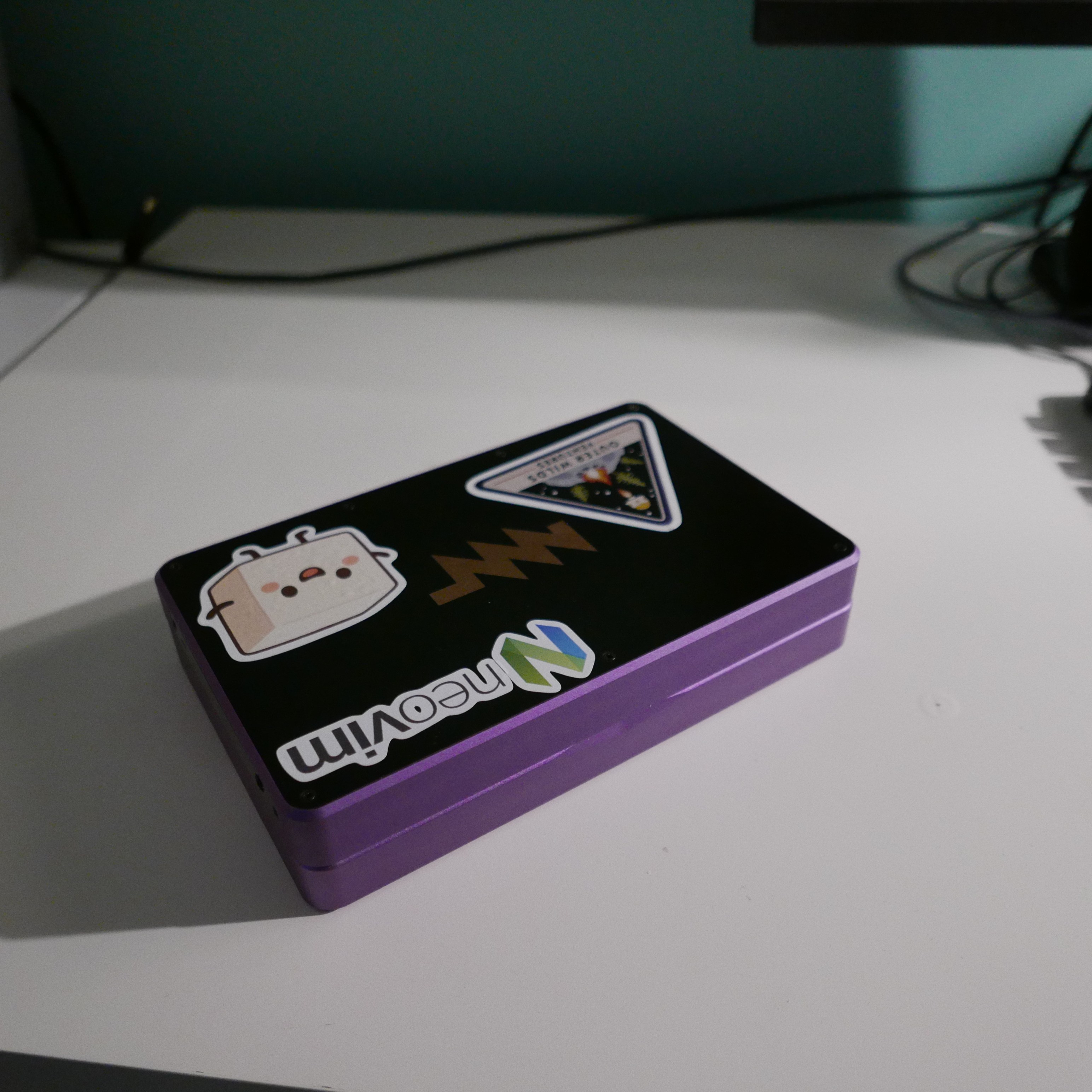
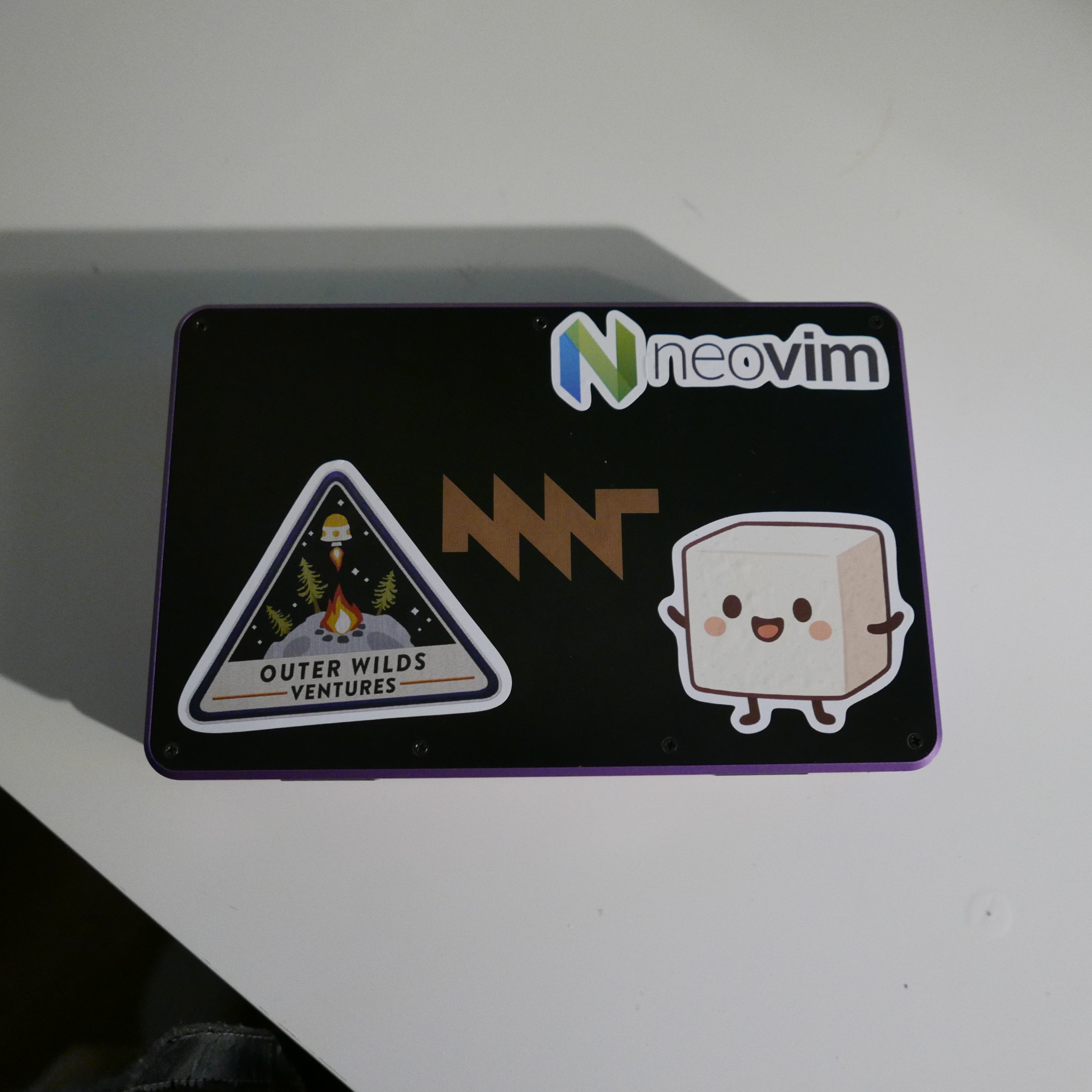
Most stuff for my site is done via this little thing, on its tiny mechanical ortholinear keyboard. The motherboard is in the lid, so it actually stays cool on the lap, and I can happily tap away in bed or on the couch. Occasionally I plug this into the monitor and keyboard on the desk. Obviously, it travels well too.
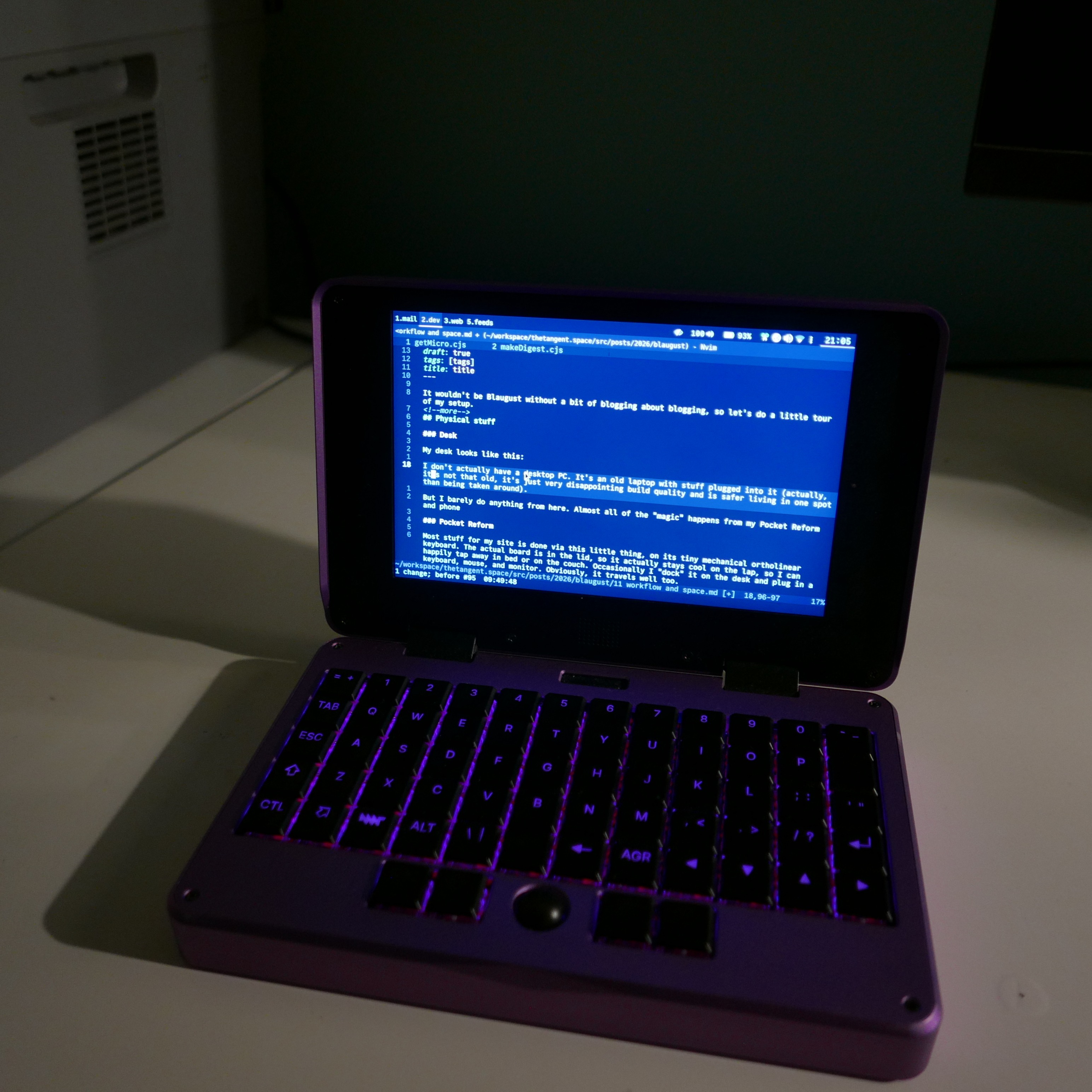
Using firmware mods and Kanata, I have pretty much the same layout on all my ortho-[1] keyboards, including the Moonlander (really, the only difference is the extra thumbkeys on the Moonlander, which I don’t even use). This made it pretty easy to adapt to the keyboard — the only challenge was the size. But I’m okay on it now. Not fast fast, but enough to be comfortable and enjoy the process.
I have had some issues with the device in the past, but a few support tickets (and warranty inspections) later they seem to have been ironed out.
Phone
It’s a Fairphone 5. It runs Android. I haven’t included a photo, but it looks like a sort of rectangle with rounded edges and a black glass screen, if you can imagine such a thing.
The workflow
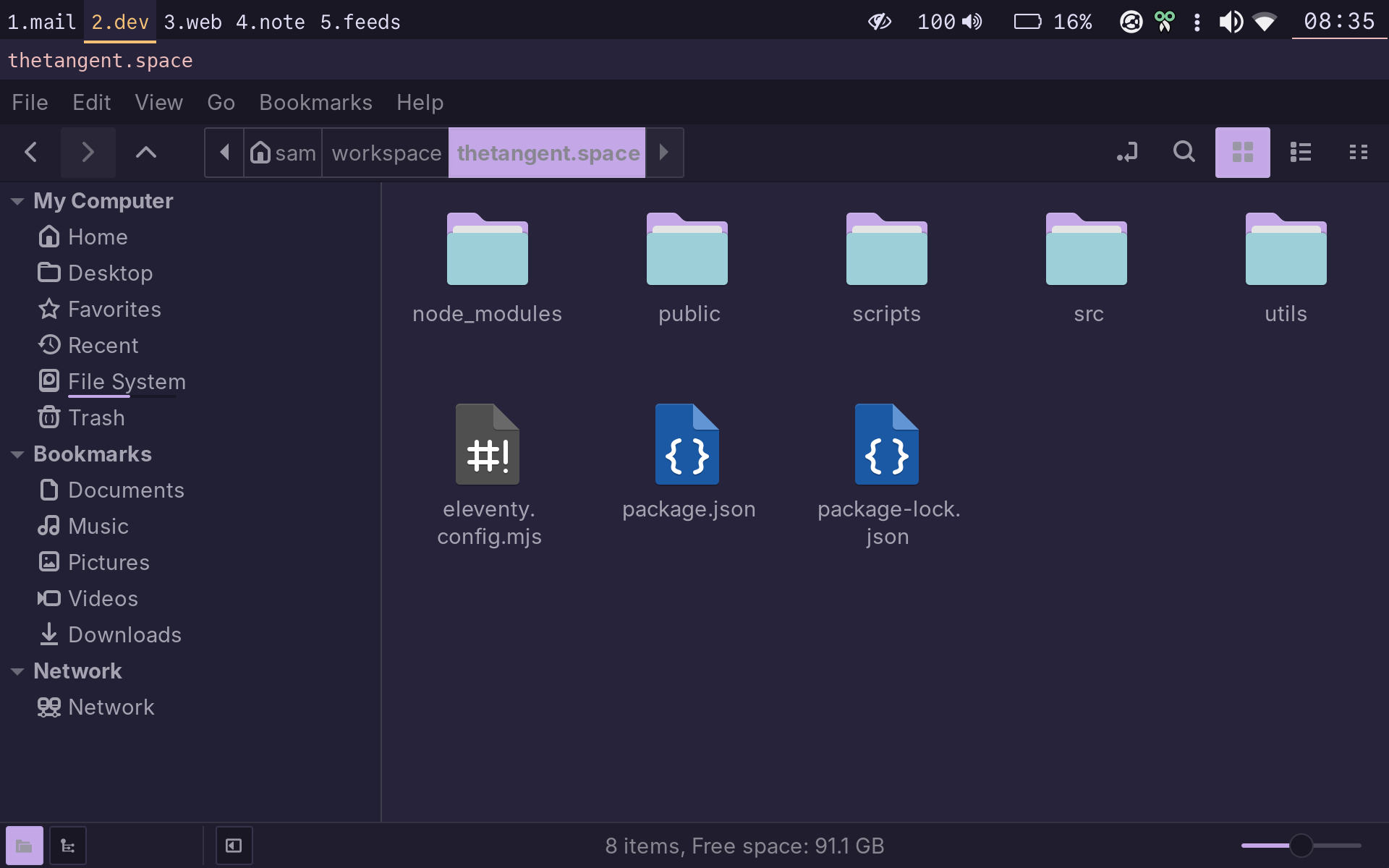
On the Pocket Reform, almost everything happens within Neovim and/or the terminal.[2] The exception is sometimes working with images, where I’ll use Nemo[3] to see the thumbnail previews, or an actual image editor like Shotwell (Pocket) or Darktable (Big computer).
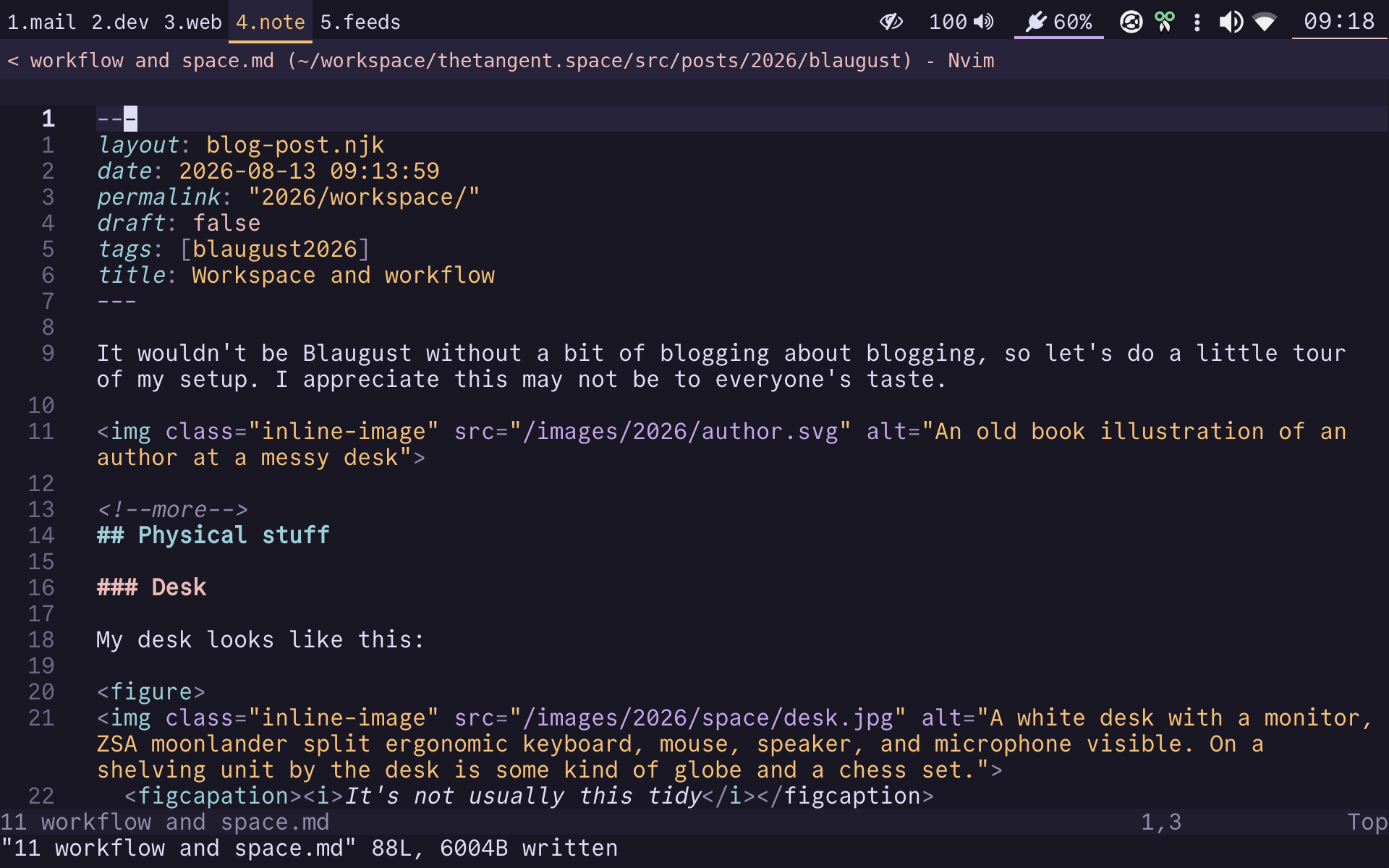
The site is built using the static site generator 11ty, with content in markdown files. I have LuaSnip snippets in Neovim to insert the yaml frontmatter for each post, with draft: true by default. I used to use obsidian.nvim as my main markdown plugin, but I’m in the process of migrating[4] to mkdnflow.nvim, which seems to have features I’d use for both notetaking and writing posts, rather than obsidian.nvim which is purely notetaking.
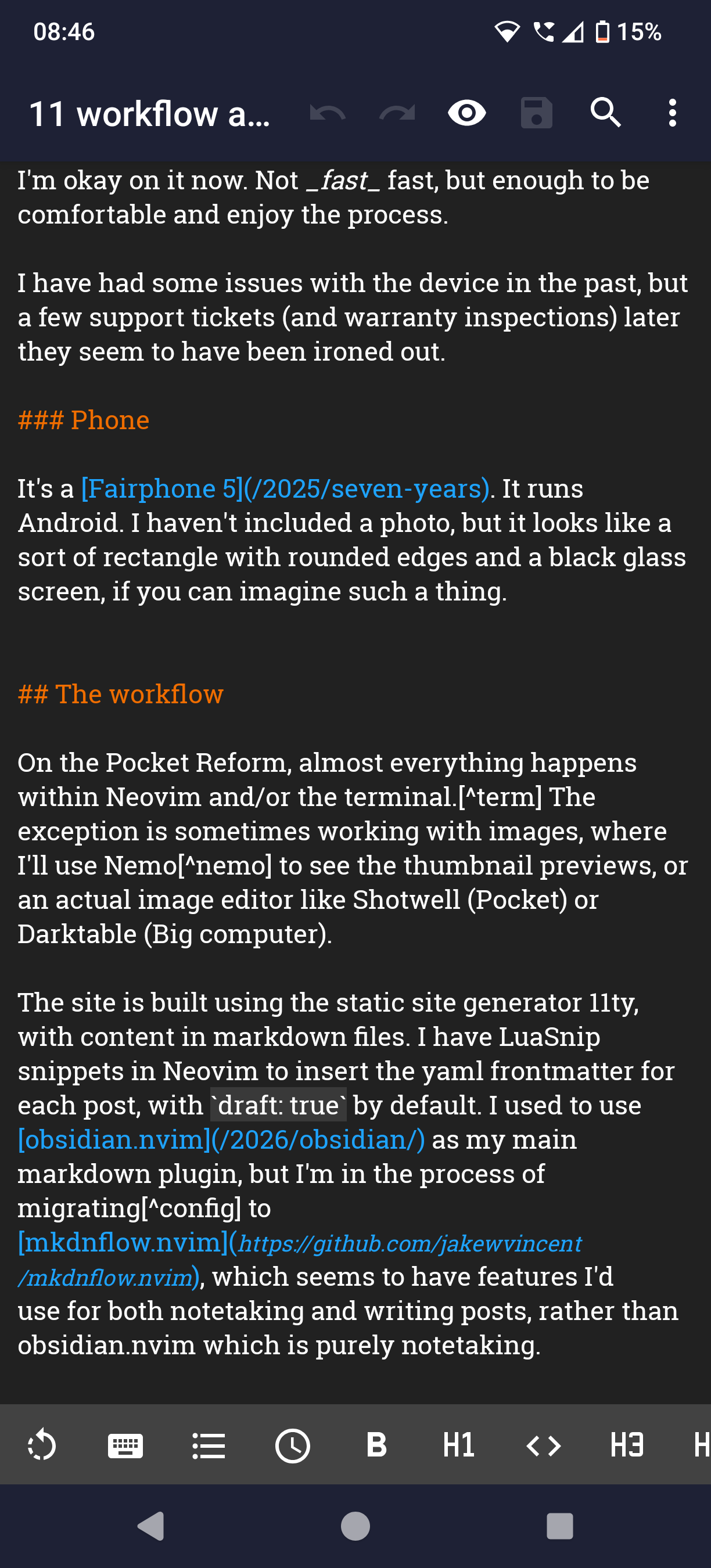
My posts folder is synced to my phone using Syncthing, so I can write posts using the excellent mobile markdown editor Markor as well.
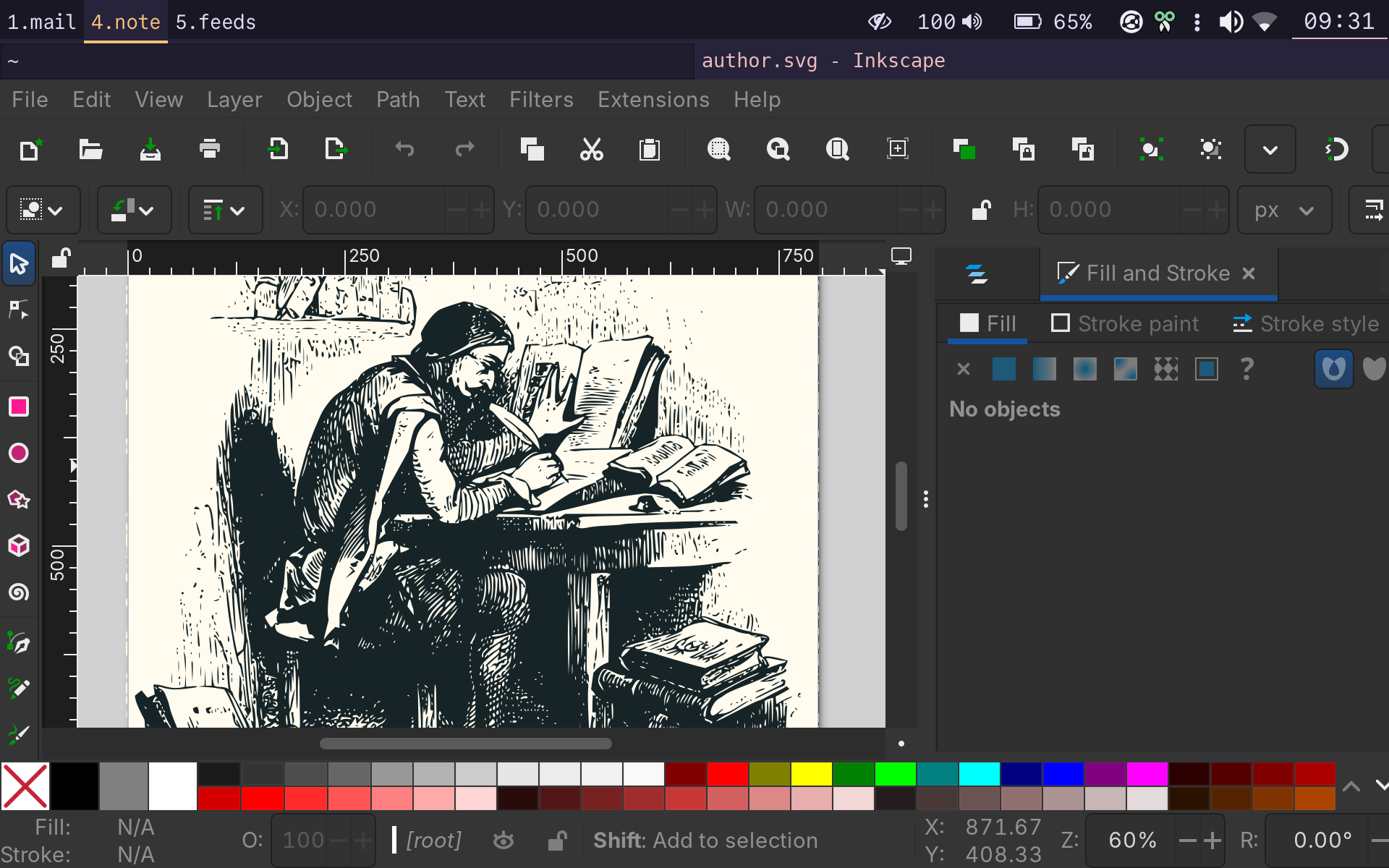
To make those images like the one at the top of this post, I grab an illustration from Old Book Illustrations and convert it to SVG using Inkscape. Then I draw a rectangle behind it and apply the “roughen” effect to get the frayed edges. This is the one part that isn’t so comfortable on the Pocket Reform’s small screen.
When I’ve finished a post, I git push it to my remote, which is currently on Gitlab (I do intend to move to one of the FOSS options). Then I ssh into my server and run a script that pulls the source repo and then rebuilds the site (I haven’t got around to configuring a webhook to do this automatically yet).
tl;dr I use a computer to make the posts.
Or if you prefer: “weird” ↩︎
Foot, with fish shell. ↩︎
My favourite GUI file browser, a fork of Gnome files, and part of the Cinnamon desktop. It more or less fixes every issue you might have with Gnome files (aka. Nautilus). ↩︎
I’m actually not one of those people who is addicted to Neovim config tweaks. Prior to checking out mkdnflow this week, I made a minor tweak in May. ↩︎